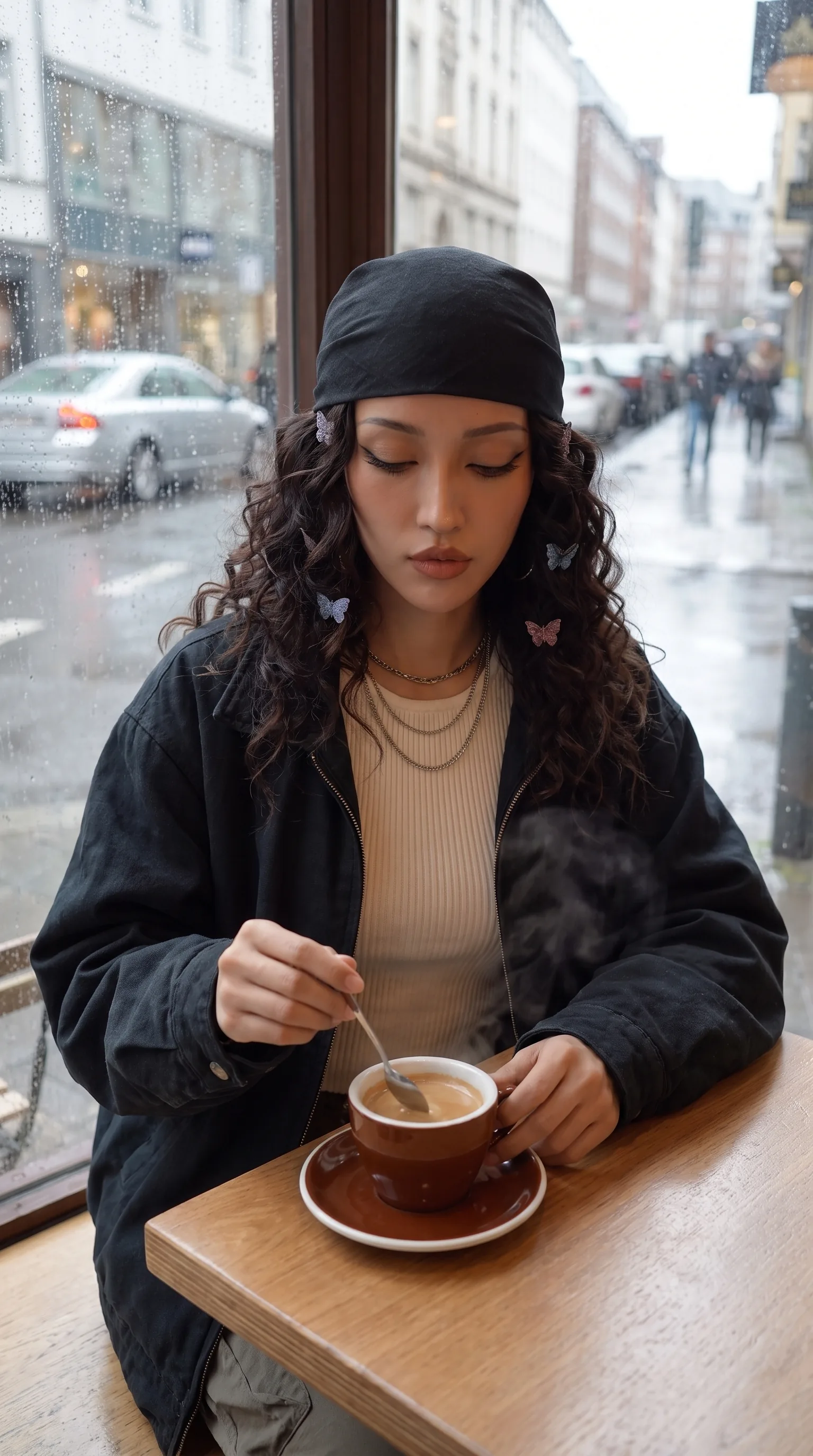
Generated with Gemini Omni Flash (preview)With a reference image
Animate a reference image
Start from a specific frame to keep the composition and describe what should change over time.
With Gemini Omni Flash
Start with text or a reference image, choose the format and duration, and get the clip ready for your next post.
An empty room changes style with a locked camera and natural light
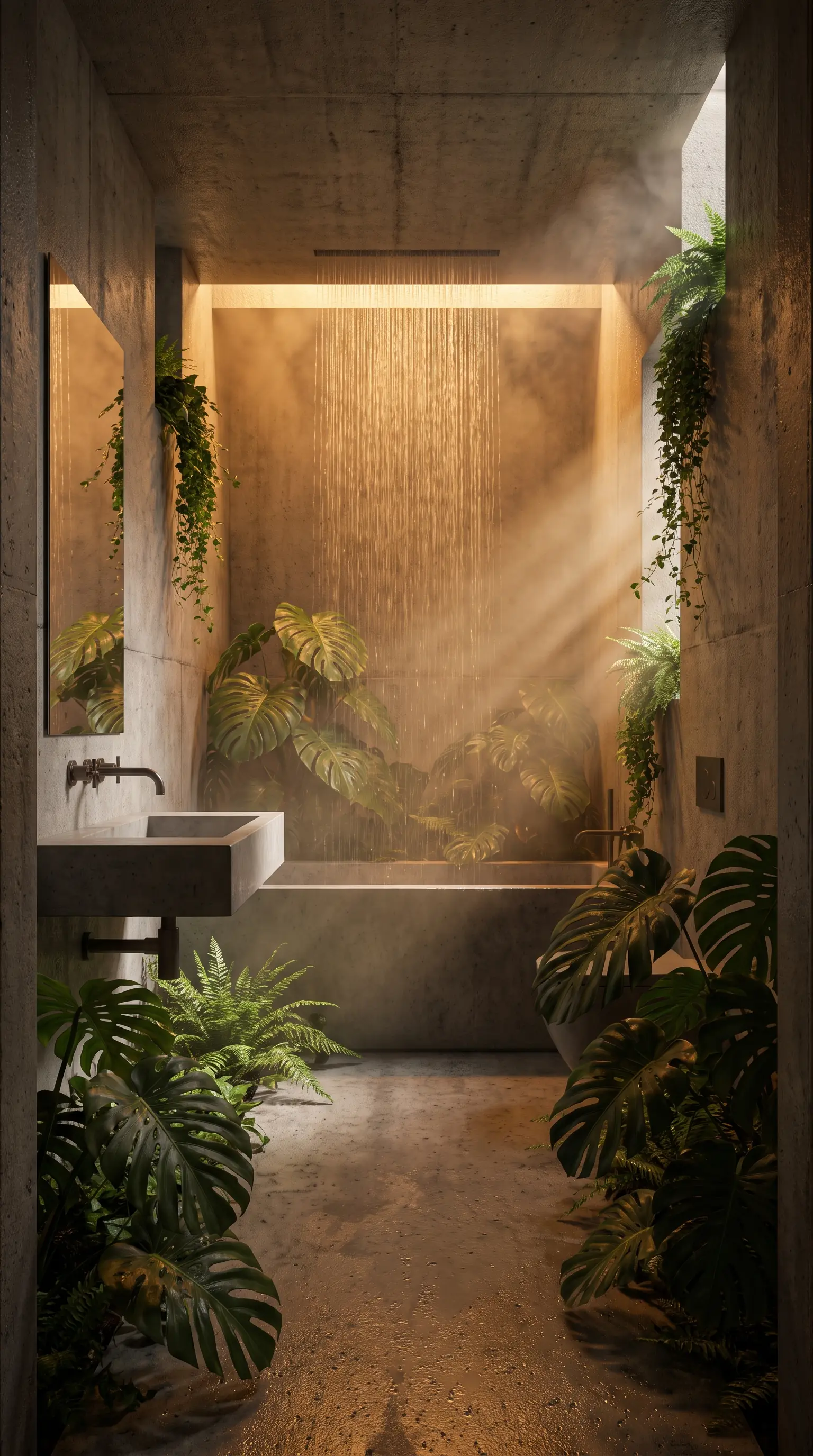
Product, avatars, interiors, and narrative scenes.
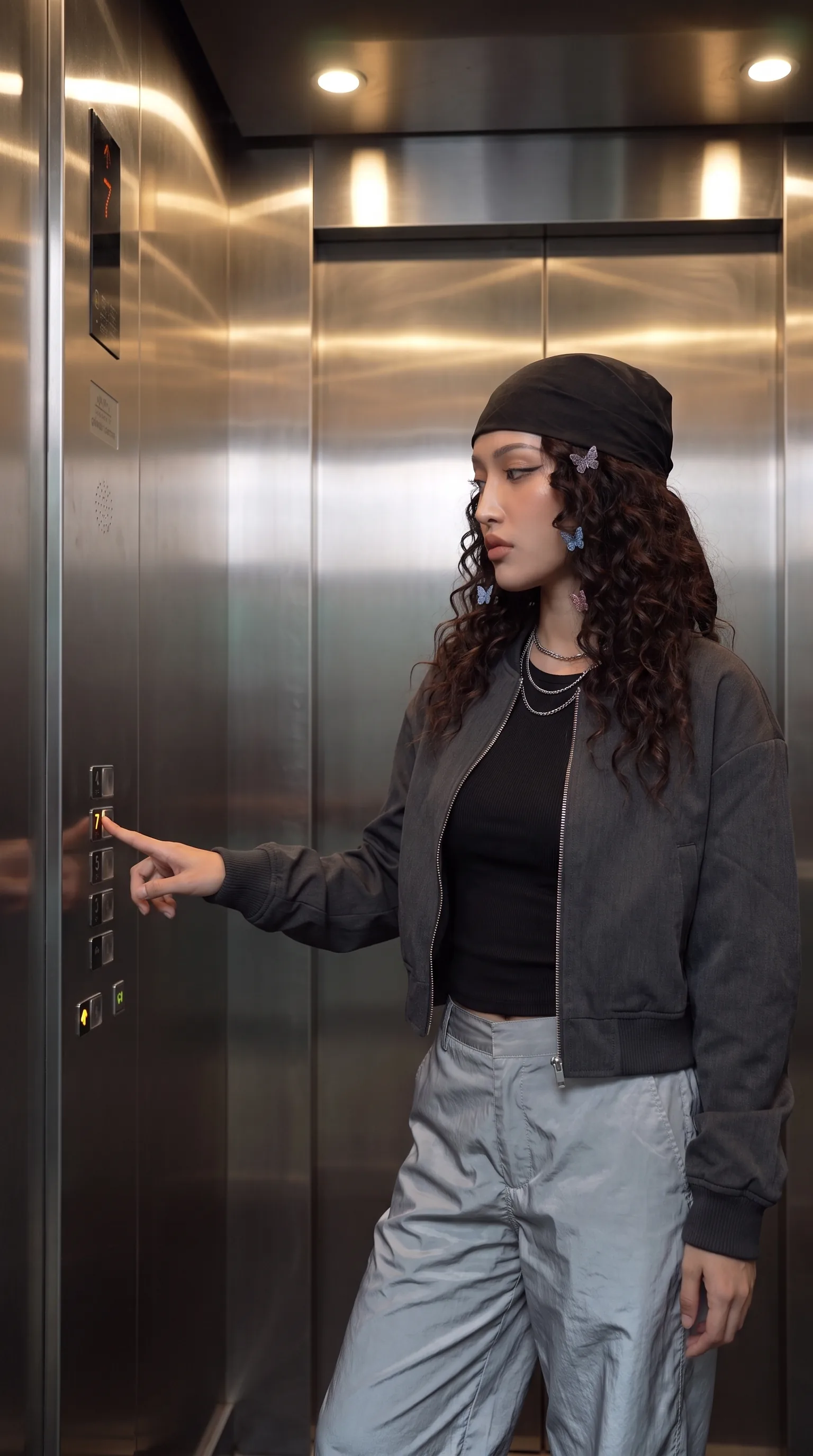
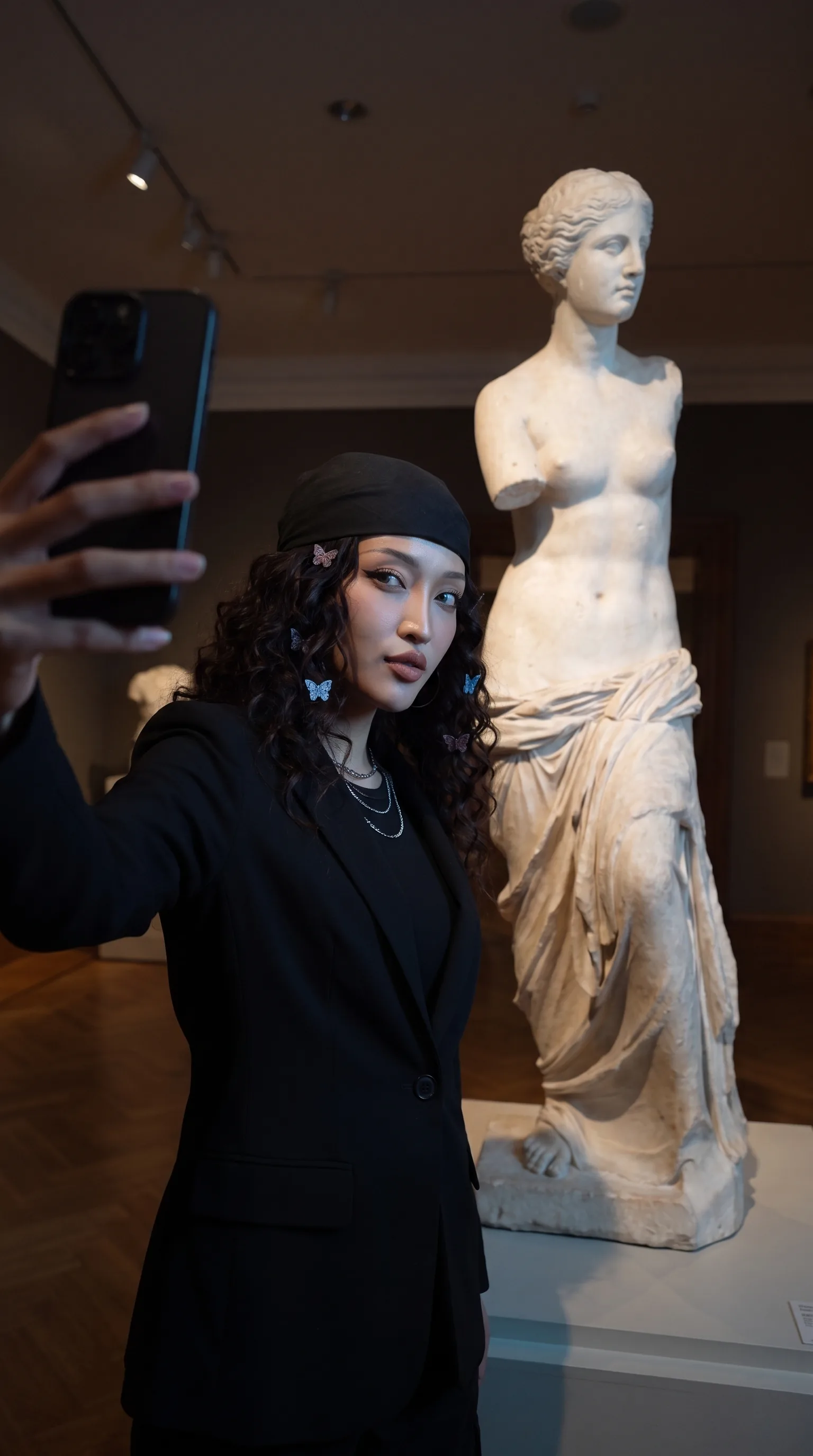
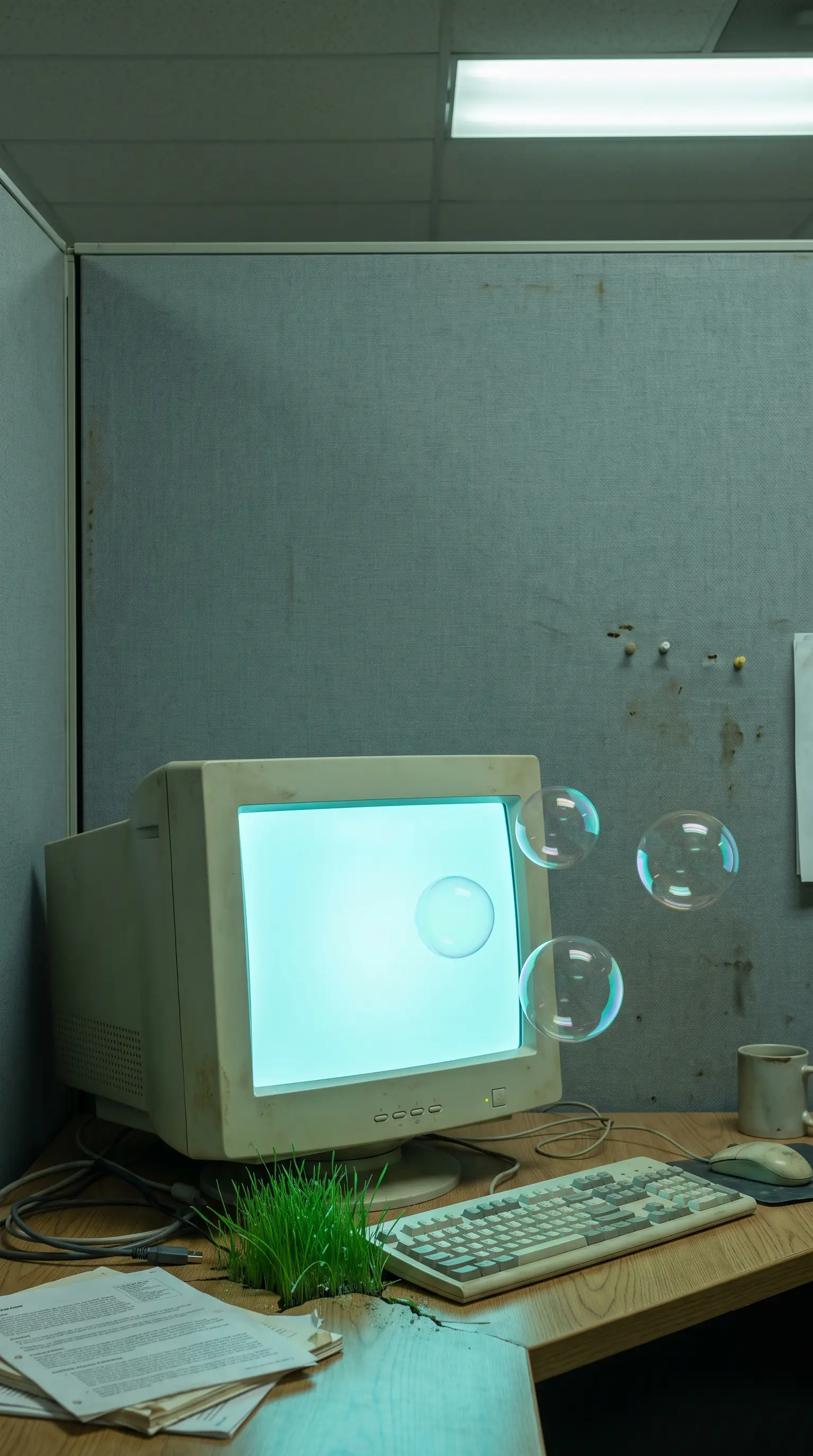
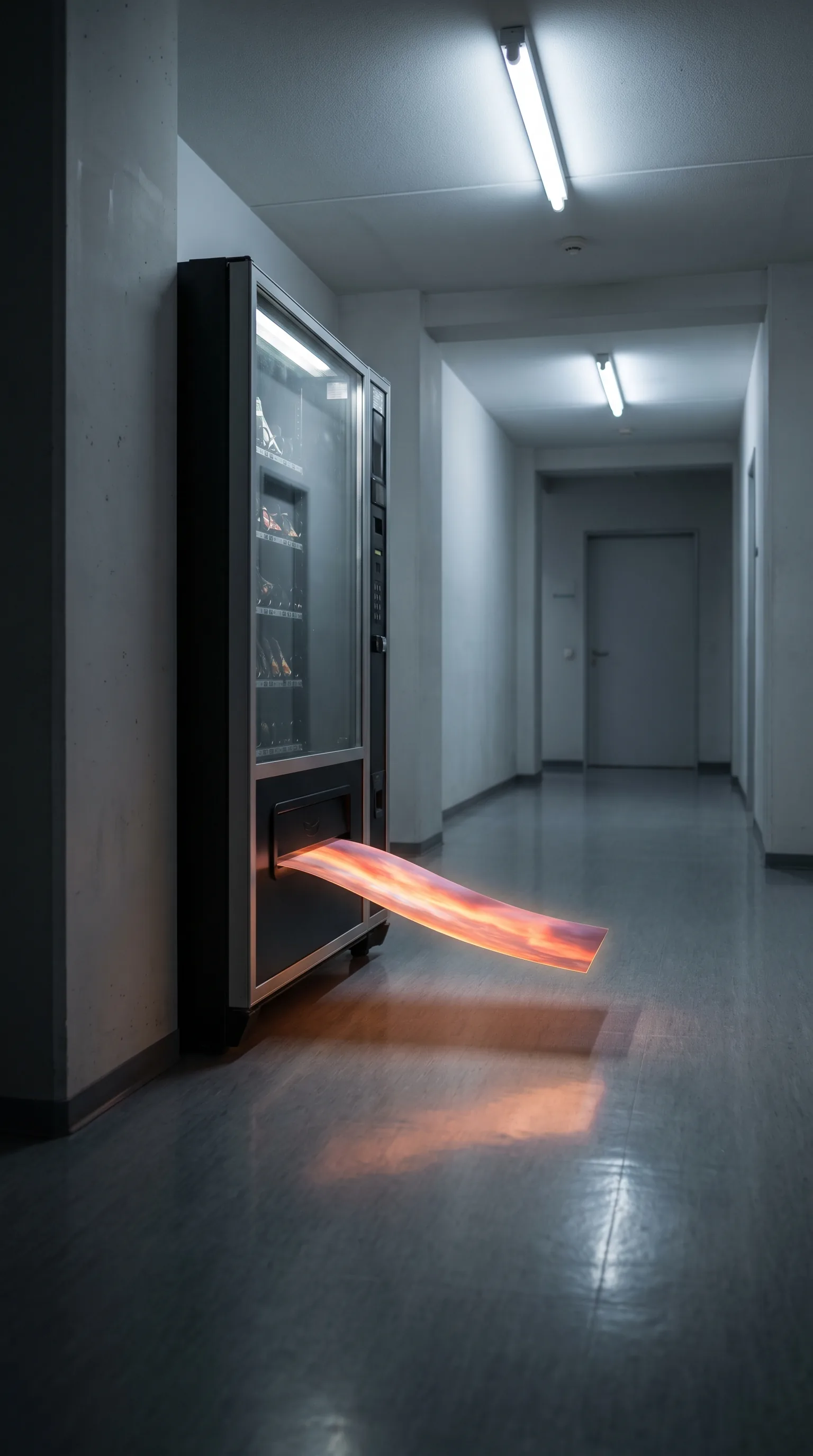
Start from a specific frame to keep the composition and describe what should change over time.
Vertical for Reels and TikTok, horizontal for the web; up to 10s at 360p, 720p, 1080p, and 4k.
When the framing works, change the action without starting over.
Moving packshots and product scenes for campaigns.
Vertical clips built for posts and ads.
Visual concepts for testing a campaign before production.
Short scenes for stories, editorial pieces, and animated covers.
Video models available today
The model available today and the formats it supports.
Clips up to 10s at 360p, 720p, 1080p, and 4k, vertical or horizontal. It accepts a reference image as the starting point and can remix a generated video.
Try Gemini Omni 1.1 FlashIn Ilisai you create video with Gemini Omni 1.1 Flash: up to 10s at 360p, 720p, 1080p, and 4k, in 16:9 and 9:16.
The available durations are 4s, 6s, 8s, and 10s. Choose one before generation.
It generates in 16:9 and 9:16, at 360p, 720p, 1080p, and 4k.
Yes. The model accepts a reference image so the clip can begin from a specific composition.
On the Free plan, video runs on topped-up credits, which never expire. On Starter and Pro, the monthly included credits cover video too.
Creating an account is free. Video runs on top-up credits, no subscription needed.
Create your first clipWe use necessary cookies to make Ilisai work. With your permission, we also use analytics cookies to understand how Ilisai is used and improve it.